
01 Food & symptom tracking
Meals. Symptoms.
The whole day,
together.
A food and symptom tracker for the details that belong together. Log a meal by photo or text, keep how you felt alongside it, and come back to the bigger picture.
For iPhone · Part of the Get Regular app

Meal
Lunch + a latte
Keep the ingredients you remember.What I noticed
Bloating this afternoon
In your own words.What was different
on the other days?
In the rhythm of your day
From “was it lunch?”
to “what changed?”
- 01
Keep the meal.
Photo or text. Include the ingredients and additions you want to remember.
Food entry · photo or text - 02
Add how you felt.
Keep the timing and your own description. Leave room for what you are unsure about.
Symptom · time · context - 03
Look across days.
Compare what repeats and what varies, including similar meals without a recorded symptom.
An observation to review
A symptom after a meal is a sequence, not proof of a trigger. The useful next step is a more specific question.
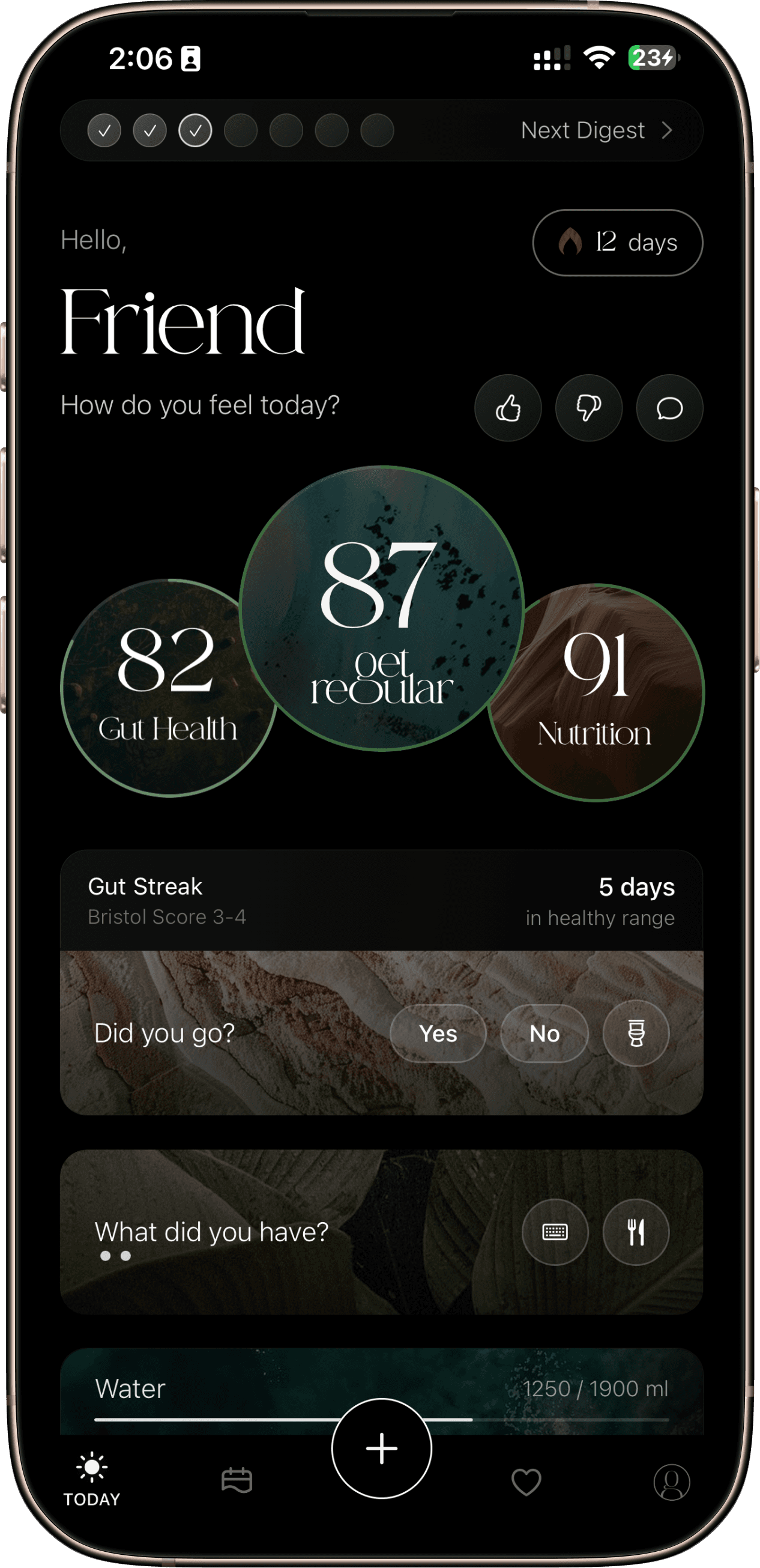 Existing Get Regular product imagery
One app. The whole day.
Give each
observation
some company.
Meals, stool and symptoms live in the same ongoing record. Use your scores, history and AI-assisted insights as ways to look back, rather than a verdict about your health.
See the complete app tourMeet the science behind the storyA closer look
The details,
when you want them.
When meals live in your camera roll and symptoms live in your memory, the details get lost. A shared record gives you a clearer place to begin.
Make the meal recognizable later
The Get Regular App Store version history describes food entry by photo or text, alongside symptom logging. The purpose of a meal record is simple: leave enough detail that tomorrow you can tell what you meant. A label such as lunch may be less useful than the foods, drinks and additions you remember.
Photo-assisted analysis is an estimate. A picture may miss ingredients, preparation methods or portion sizes. Review the description rather than assuming an image captures every detail. Choose the entry method that fits what you are comfortable sharing.
Keep the context beside the symptom
A food-and-symptom diary is easier to revisit when descriptions are consistent. Use ordinary language for what happened and preserve uncertainty: around lunchtime is more honest than an exact time you cannot remember. A day with no symptoms is useful context too.
These are diary prompts, not a claim that each item has its own field in the current app. Use the available entry options, and keep any extra details in a form you can bring to an appointment.
- What: the meal or drink, including additions you would otherwise forget.
- When: the meal time and when you first noticed the symptom.
- Experience: the symptom in your own words and how it affected your day.
- Context: a bowel movement, an unusual routine or another detail you want to discuss.
Look beyond the last meal
Illustrative example — fictional diary notes, not an app screenshot or a typical result. These entries leave room for what is unknown instead of assigning a trigger.
| Entry | What was recorded | What remains unknown |
|---|---|---|
| Tuesday | Latte at breakfast; burrito bowl at lunch; bloating later that afternoon. | Which ingredients, portions or other circumstances might matter. |
| Thursday | Latte at breakfast; no symptoms recorded afterward. | Whether there were no symptoms or the symptom entry was missed. |
| Question to bring back | What was different on these two days? | The diary alone cannot tell us why the days differed. |
Turn a pattern into a better question
For example, coffee at breakfast and bloating later that morning are two observations. The timing can prompt a question, but it cannot isolate coffee from the rest of breakfast or everything else happening that day. Keep an observed sequence separate from an explanation.
Use the record to describe what repeats and what varies. A qualified clinician or dietitian can help interpret it in the context of your symptoms and history. NIDDK notes that dietary approaches for IBS differ between people and may involve a dietitian; an app pattern is not a reason to prescribe yourself a restrictive diet.
The app's AI-assisted insights can offer a starting point for review, not proof of an intolerance. If keeping a diary becomes burdensome or distressing, discuss a more suitable approach with your healthcare professional.
For the days between IBS appointments
If you are keeping a diary alongside IBS care, the same food, symptom and bowel record can help you describe what changed between appointments. Keep the symptom in your own words, when you noticed it and any context you want to discuss. You do not need to label a day a flare or assign an IBS subtype to record it.
NIDDK describes IBS diagnosis as a clinical assessment of symptoms and history, with examination and sometimes tests. A diary supports that conversation; it cannot confirm IBS-C, IBS-D or IBS-M, exclude another condition or tell you which treatment is appropriate.
The public release history also describes period logging and notes. Check the controls available to you rather than assuming there are separate fields for stress, sleep, urgency or symptom severity. Our IBS food-diary guide covers the recording task without making a PDF export or an app subscription a requirement.
Before you start
Good questions.
Can a diary identify a food intolerance?
A diary can organize observations to discuss with a professional. An association between a food and a symptom does not establish an intolerance, allergy or diagnosis.
Do I need to photograph every meal?
The public version history describes text-based food entry as well as photos. Check your installed version for the current entry options.
What if I cannot see a pattern?
A diary is still a record of what you noticed. Check for missing entries and compare symptom days with days when you ate similar foods without recorded symptoms. You do not need to force a trigger explanation; an unclear record can become a specific question for a clinician or dietitian.
What if I miss a meal or symptom?
Keep the gap visible. The release history describes backdated entries, but a remembered time is still an estimate. An empty symptom entry should not automatically mean a symptom-free day.
Can this replace a low-FODMAP plan?
A record of meals and symptoms is different from a food-content database or a professionally guided diet. This guide does not provide a low-FODMAP protocol. Ask your clinician or dietitian how a diary should fit your care.
Try a starting point
Why am I bloated?
Explore the timing and context you might want to track next.
Product information & sources
Feature descriptions follow the public listing and version history checked on 20 October 2026. Controls and access can vary by version and offer. Illustrations are labeled; they are not real user records or clinical results.